Guía8 min
My eSIM Is Not Working: Troubleshooting
A complete guide to my eSIM not working: troubleshooting - Everything you need to know to stay connected while you travel with NAVEO eSIM.
Read article190+ countries · set up from your phone
Set up your eSIM in 5 minutes and connect the moment you land. No roaming, up to 80% cheaper.
Everything you need to travel without borders, in one place.

Local data in 190+ countries. Forget roaming charges and surprise fees.
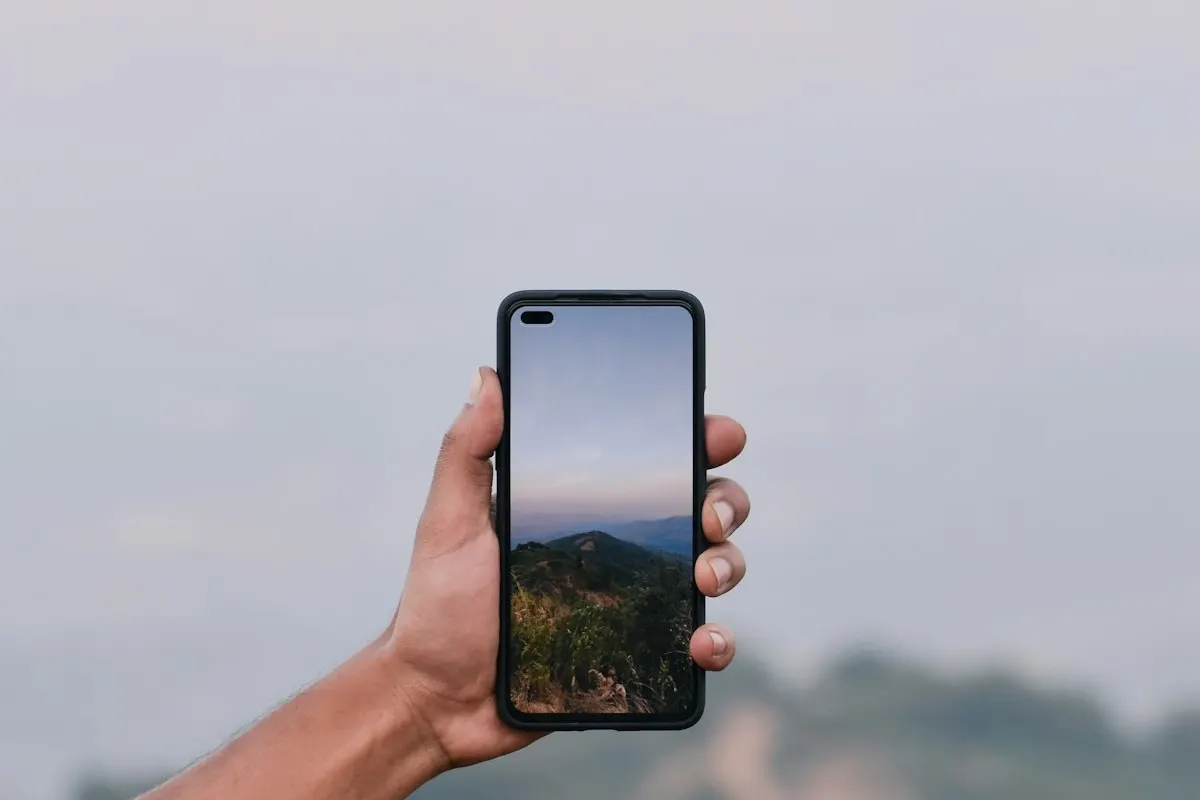
Get your QR code by email in seconds and activate your eSIM before takeoff. No physical SIM.

Humans (not bots) replying on WhatsApp and email, in Spanish or English, before, during and after your trip.
From purchase to connection in 4 steps.
Find your country and pick the plan with the GB and days you need.
Pay with Visa, Mastercard or AMEX. Transparent prices, no surprises.
Within minutes you get your activation QR code by email.
Scan, activate and connect. No roaming, no hassles.

Thousands of travelers already sail with NAVEO.
“I landed in Madrid and had internet in seconds. The QR arrived before I even touched down. Super easy.”
 Mariana G.Spain
“I spent 3 weeks in New York with the 10 GB plan. Never ran out of data and support answered in Spanish instantly.”
 Carlos R.United States
“I thought it would be complicated, but QR activation took 2 minutes. I totally recommend it.”
 Ana P.Canada
“I visited 6 countries with a single plan. No SIM swapping, no roaming worries. Great price.”
 Diego M.Europe Regional
Everything you need to know before setting sail.
An eSIM is a digital SIM built into your phone. No physical card needed: scan a QR code and your device connects to the local network of the country you visit.
No. NAVEO plans are data only. For calls and messages you keep your physical SIM or your carrier number, and the eSIM handles the data.
Yes, on most models. Your physical SIM keeps your local number, for calls and WhatsApp, and the eSIM carries the data of the trip. On iPhone 14 and later you can even have two eSIMs active at the same time.
Most iPhones (XS or later), Google Pixels (3 or later) and Samsung Galaxies (S20 or later) are compatible. Check your exact model in seconds with our verifier.
You need the device unlocked first. While the phone is carrier-locked, no eSIM can be installed: neither ours nor anyone else’s. Most carriers unlock it once the phone is paid off, and some do it automatically when they invoice you. If it is still locked, message us and we will explain how to request the unlock.
Yes, but it has to be the version that also connects to the mobile network. The label on the bottom of the device says 4G or 5G: if it only says Wi-Fi, that version has no eSIM, even though it has the same name. The tablet also needs its own data line, separate from your phone’s.
It depends on the version. The iPhones sold in mainland China shipped without eSIM, so they do not work with any plan. The Japanese ones do have it, but the device still needs to be unlocked by the carrier. The way to find out is on your own device: go to Settings and see whether the eSIM option appears.
It is almost always one of these four: the version is Wi-Fi only, the device is still carrier-locked, it is a version that shipped without eSIM, or the system is modified (rooted or jailbroken). The installation guide has the detail and the fix for each case.
Not necessarily. We update the list every so often and manufacturers announce eSIM support in waves. The way to know is on your own device: go to Settings and see whether the eSIM option appears. If it appears, it works, whether or not it is on our list.
Immediately after payment you'll receive an email with your activation QR code. You can install it before you travel and activate it when you arrive.
The email includes the QR code and a link to the step-by-step guide. Install it before you travel (home or airport Wi-Fi works) and leave it off until you arrive: installing and activating are two different things.
Yes, most of our plans include hotspot to share data with other devices. Check each plan's details to confirm.
Yes. Prices are final: what you see is what you pay, with no surprises at checkout.
Go to My eSIM with your order number or eSIM ID and the email you bought with: you will see your remaining data, validity and available top-up packages.
We offer support via WhatsApp and email in Spanish and English, 7 days a week. Reach out before or during your trip and we reply within 24 hours.
No. NAVEO will never ask you to confirm an eSIM or a code by SMS or WhatsApp that you did not request. If you get such a message, ignore it and write to support@mynaveo.com.
Guides, tips and tricks to travel with eSIM hassle-free.
A complete guide to my eSIM not working: troubleshooting - Everything you need to know to stay connected while you travel with NAVEO eSIM.
Read articleA complete guide to eSIM vs traditional roaming - Everything you need to know to stay connected while you travel with NAVEO eSIM.
Read articleA complete guide on how to activate your eSIM on a Samsung Galaxy - Everything you need to know to stay connected while traveling with NAVEO eSIM.
Read article